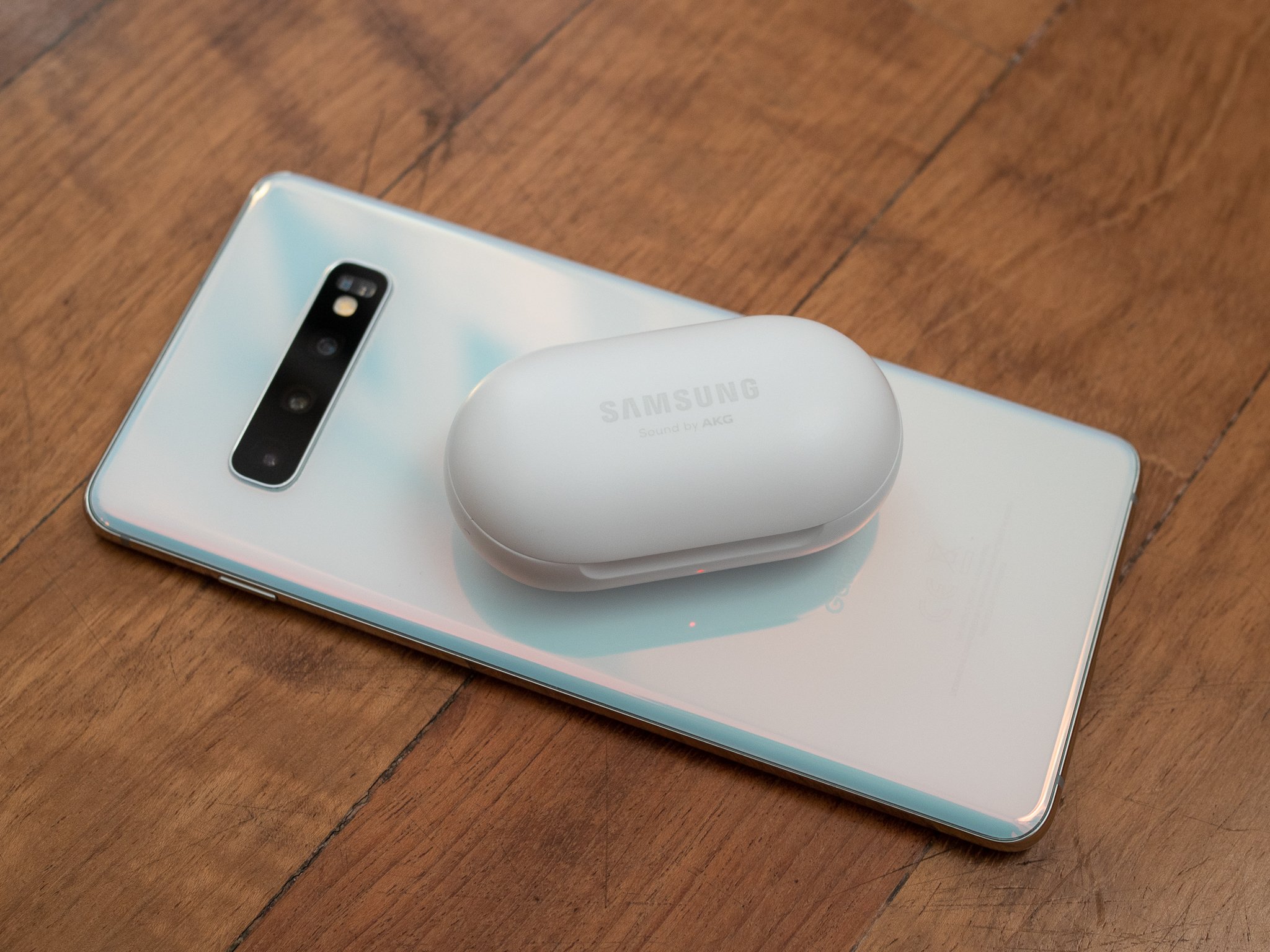
The Galaxy S10 (and the S10+ and S10e) has a really interesting feature: the ability to reverse wireless charge other device. And it's perfectly timed for the launch of the Galaxy Buds wireless earbuds, which have a case that charges wirelessly. That makes them a great pair: you can charge your Galaxy Buds case just by setting it on your Galaxy S10; no cables required. Here's how you do it.
How to charge Galaxy Buds with a Galaxy S10
There are two parts of this equation: turning on the feature in software, and getting the placement right on the back of the phone. But it's easy to figure out.
- Pull down twice from the top of the screen on your Galaxy S10 to open the Quick Settings shade above the notification panel.
- Tap Wireless PowerShare and flip your phone face-down.
- If there's no Wireless PowerShare icon in your Quick Settings, tap the Menu button in the top-right corner and tap Button order to add it.
-
Place your Galaxy Buds case flat-side down centrally on the back of the phone, underneath the Samsung logo.
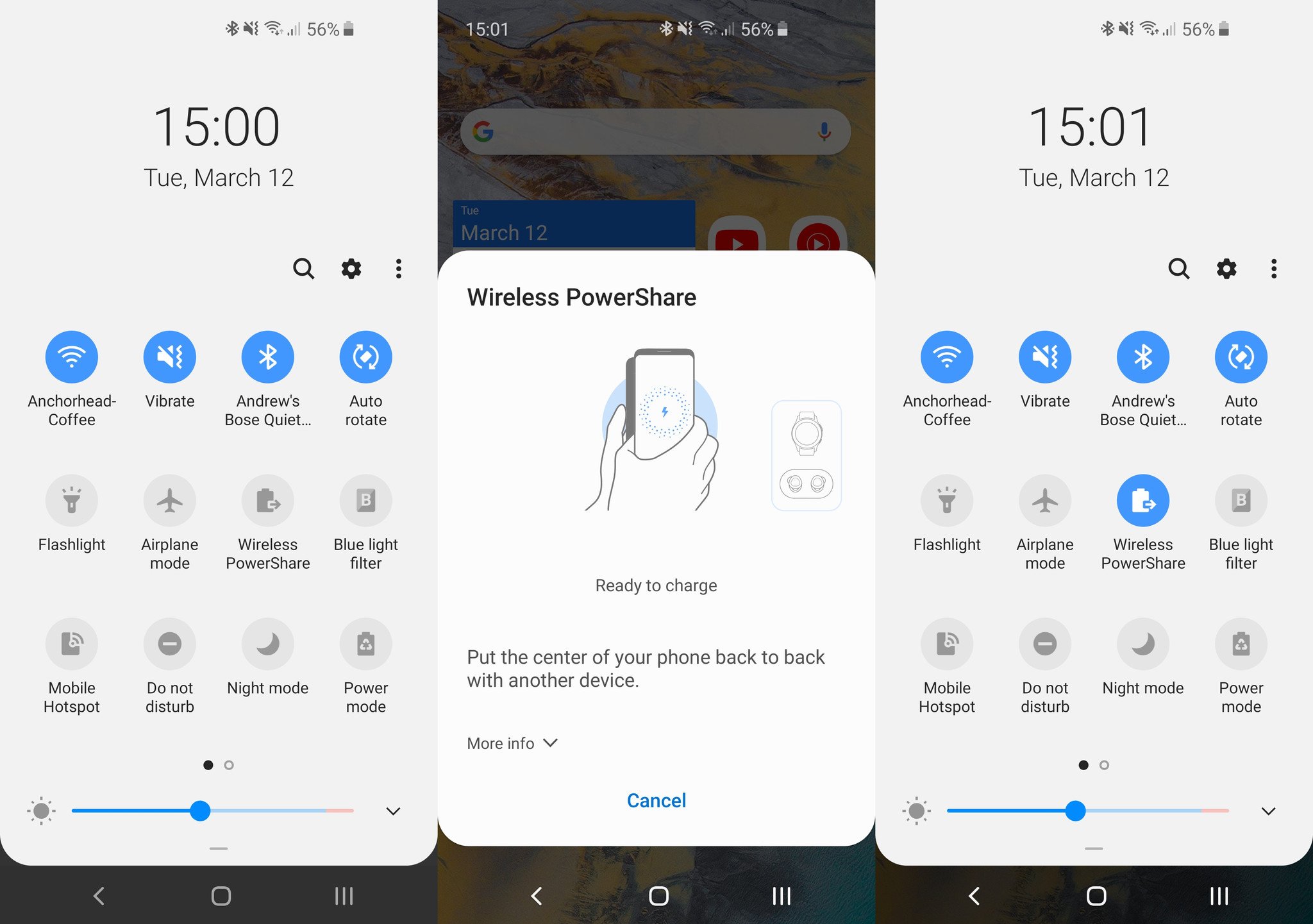
- The LED on the front of the Galaxy Buds case will light up red indicating that it's charging, and green when it's done charging.
- The Galaxy Buds will charge to full so long as they stay in contact with the back of the phone.
If you don't place a wireless charging device on the back of the phone within a couple minutes of turning on Wireless PowerShare, the feature will turn off automatically — so you don't have to worry about it completely killing your battery for nothing. Wireless PowerShare will also turn off automatically if the phone's battery drops below 30%. This isn't a very efficient way to charge up your Galaxy Buds, but if you're in a pinch and need a quick power up, it gets the job done.
Our top equipment picks
Wireless earbuds
Galaxy Buds

A great pair of truly wireless earbuds with unique wireless charging
Samsung's latest iteration of truly wireless earbuds are worth considering if you're willing to spend. They have a great feature set and no real downsides. You won't buy the Galaxy Buds for their wireless charging case, but it's a neat feature that could save you from facing dead earbuds with no option for charging.
Great phone
Galaxy S10
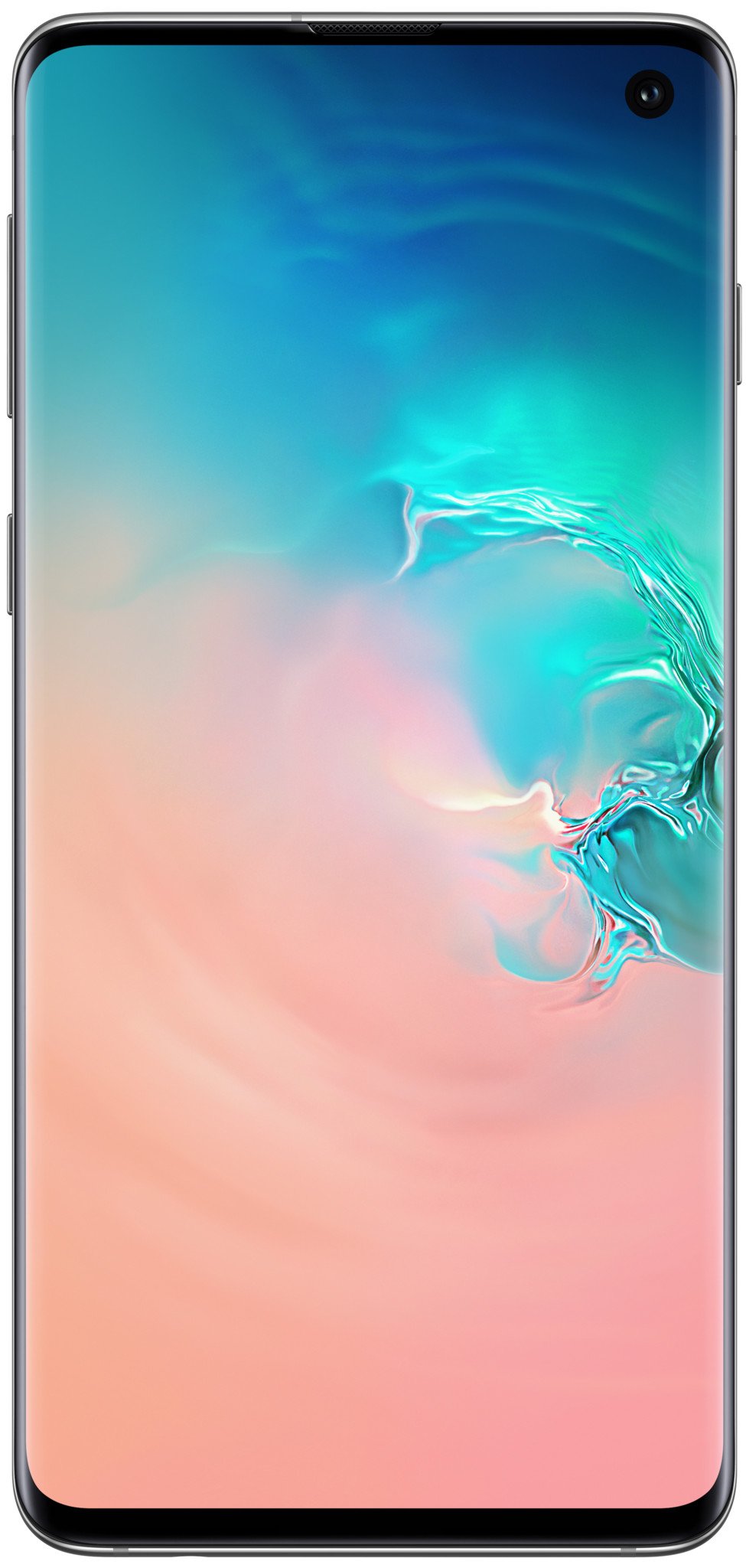
A perfect phone to pair up with Galaxy Buds
The Galaxy S10 has just about anything you could ask for in a phone. It strikes a great balance of size and capabilities, and is effectively the same as the Galaxy S10+ but is $100 cheaper.
Upgrade pick
Galaxy S10+
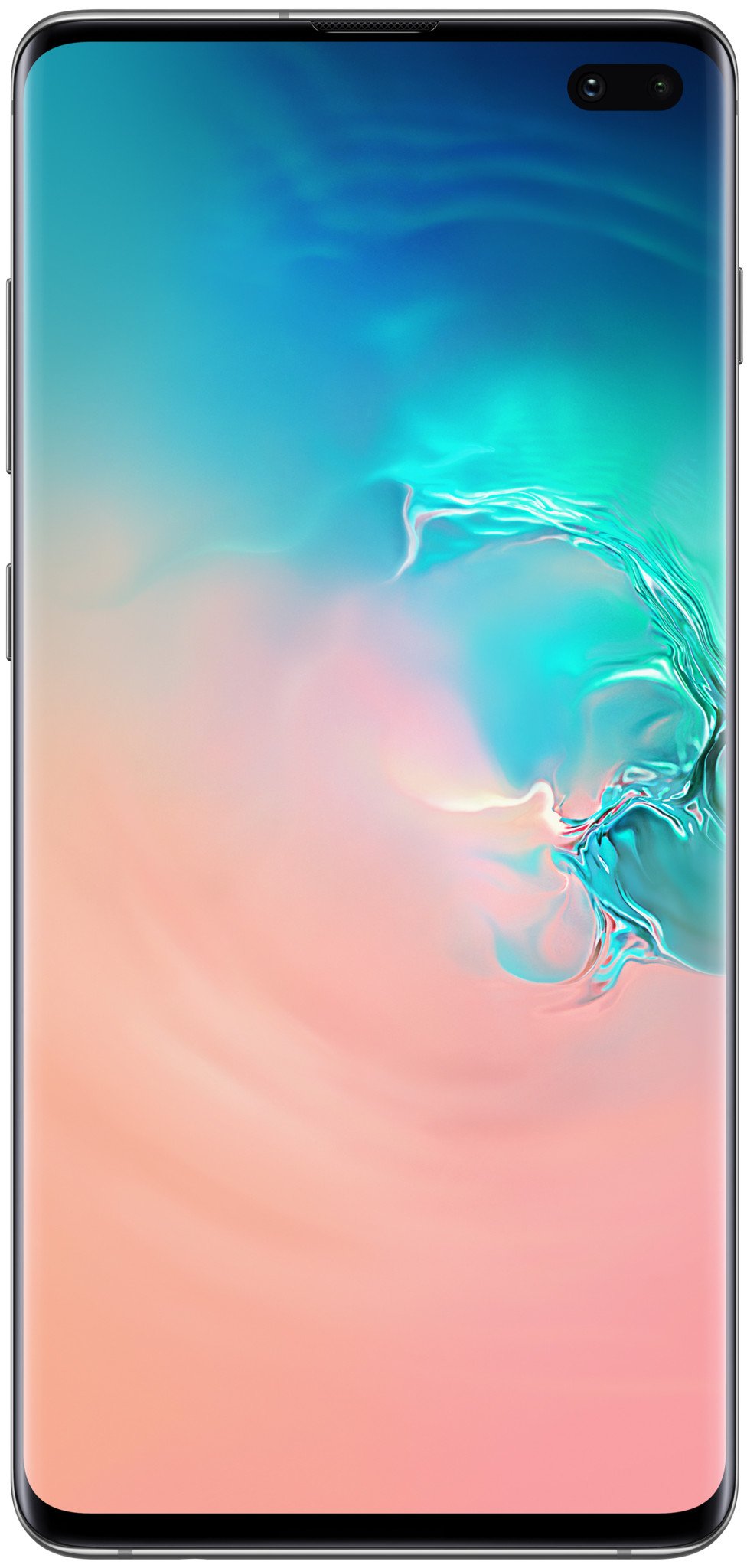
The power user's choice that just gives you more of a great thing.
You get more of the things that matter with the Galaxy S10+: more screen, more battery, another front camera, and (optionally) more storage. You pay for the privilege of getting a little more but otherwise an effectively identical phone to the S10; so choose wisely.


0 Response to "You Can See More: Charging your Galaxy Buds with your Galaxy S10 is a breeze"
Post a Comment